Products
HKXR POWER

Panel function • Starting method • Control mode

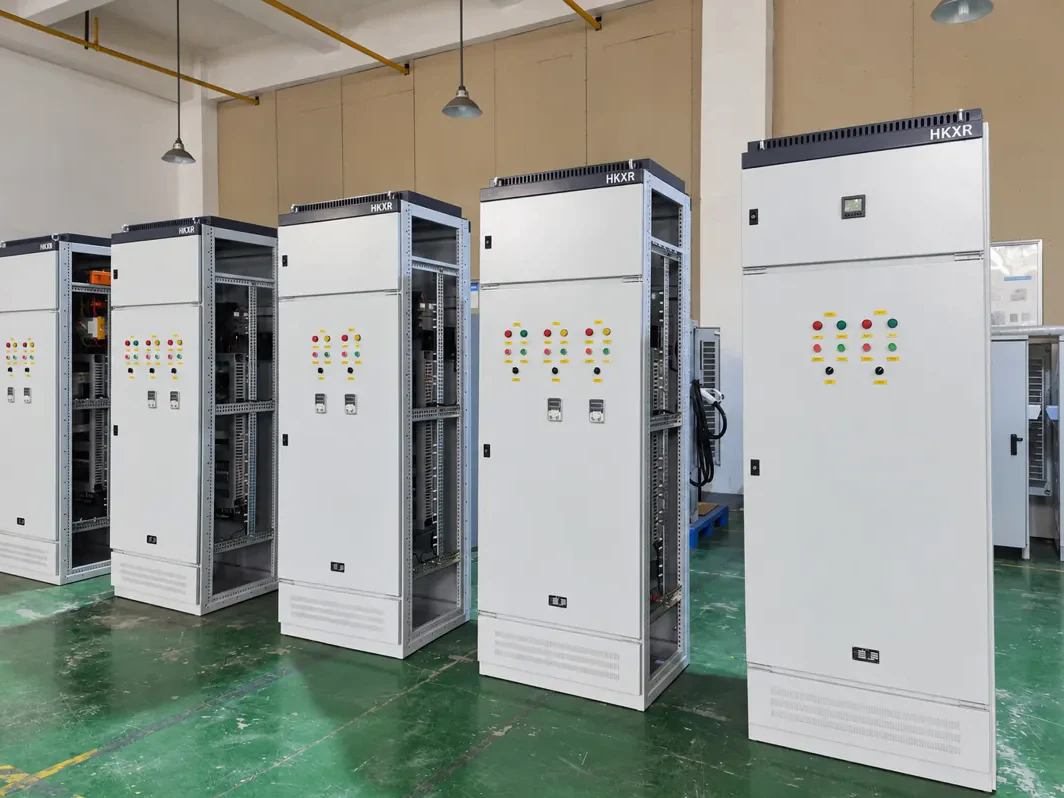
Motor Control Centres (MCC)

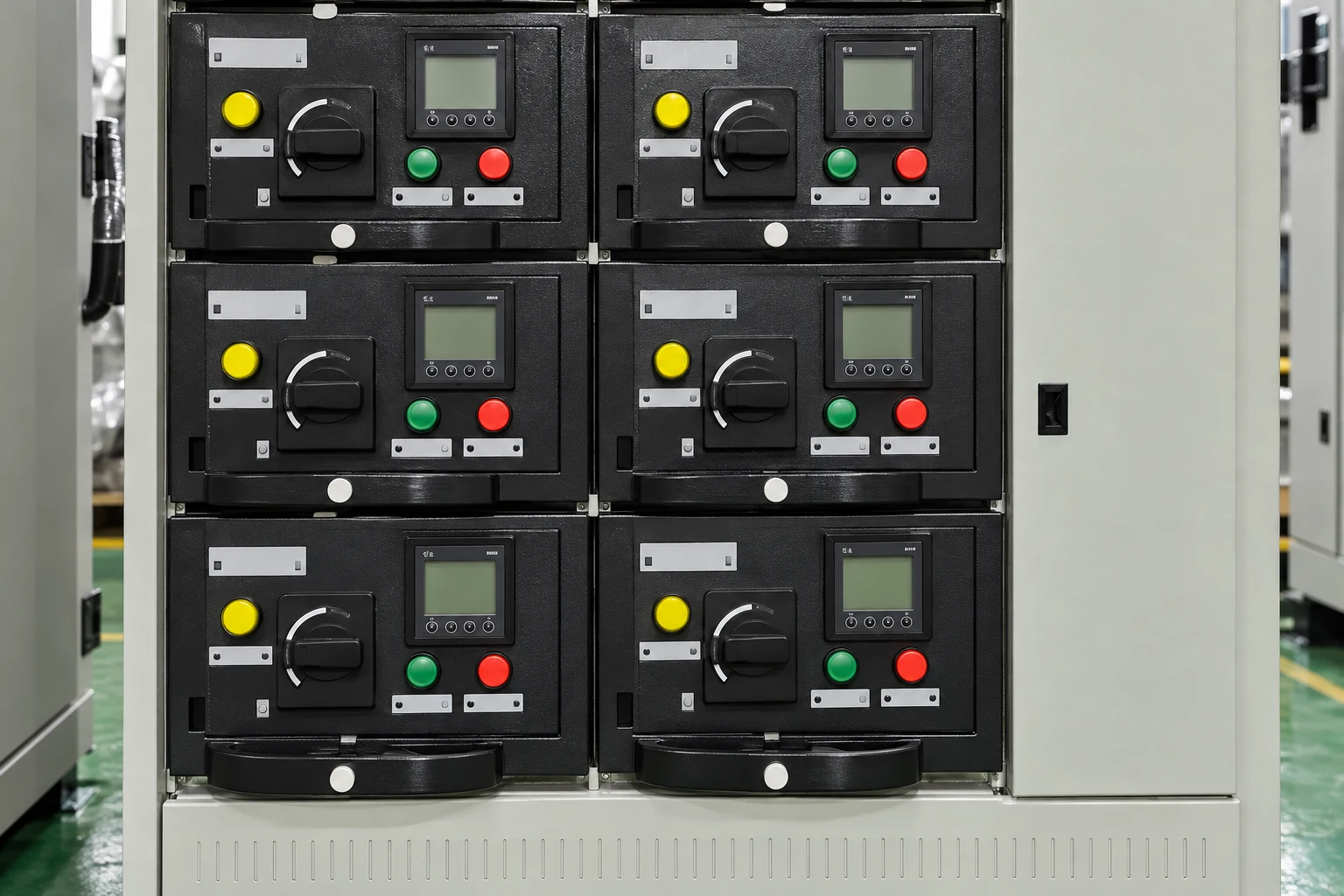
An MCC groups the isolation, starting, protection and control circuits for multiple motors.

Panel functionMotor isolation, protection and starting circuits.
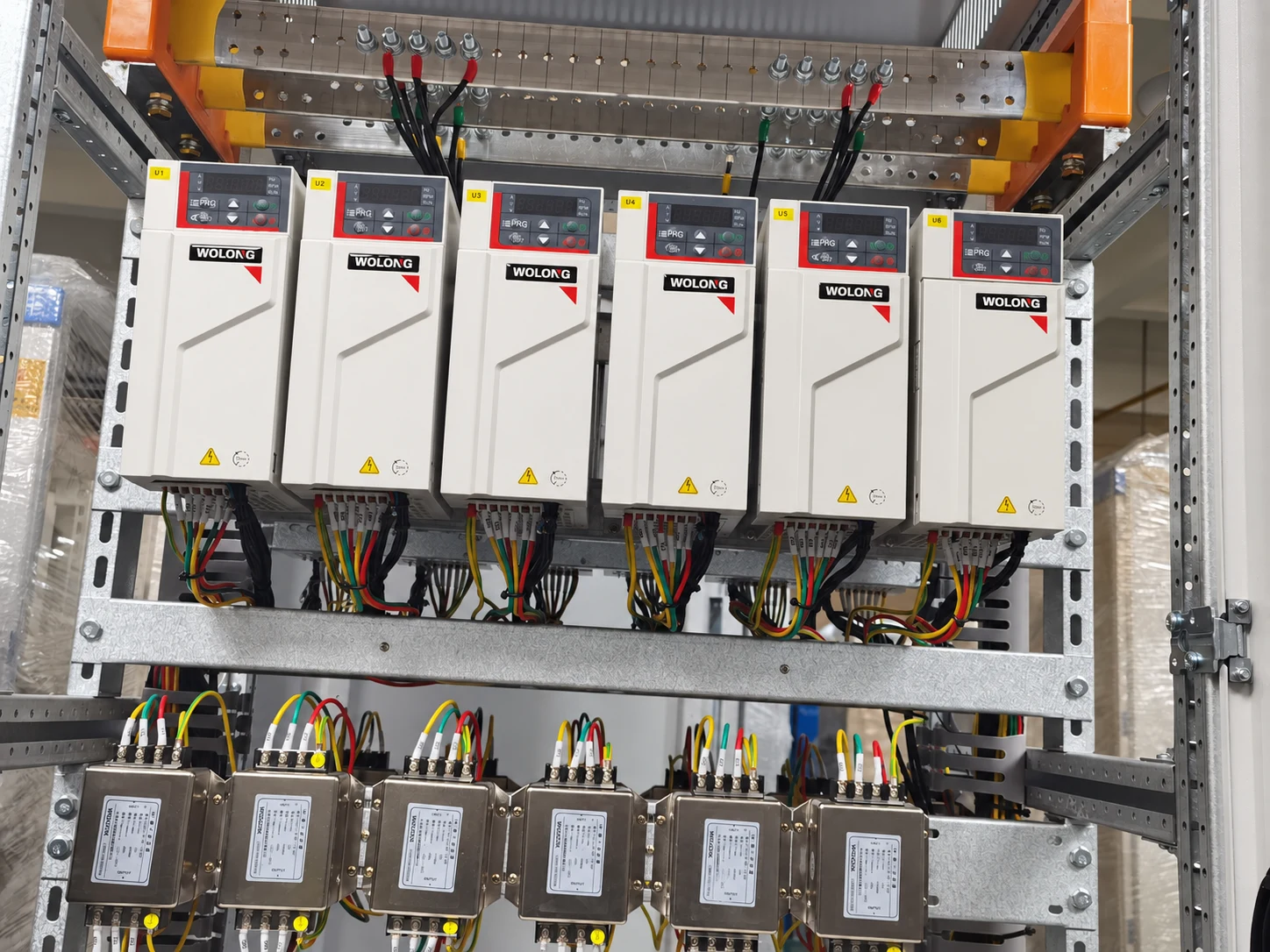
Starting methodDOL / Star-delta / Soft starter / VFD
Control modeLocal / Remote / PLC interface
Project informationMotor list / Control sequence

Choose the arrangement below and add the details you have.
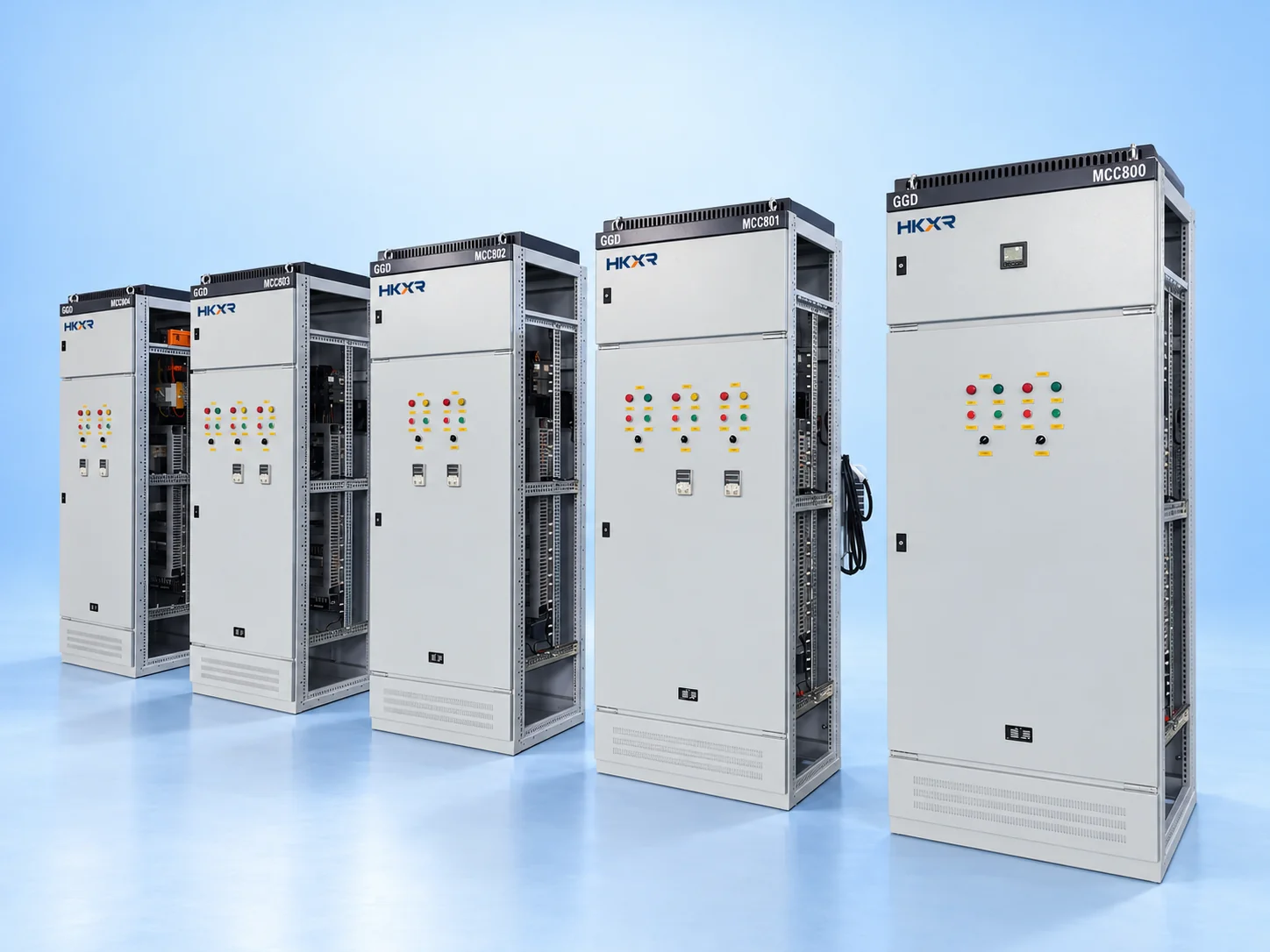
Motor Control Centres (MCC)

01 Technical data

Configuration & project information

Choose the arrangement below and add the details you have.

Configuration choices

Panel function
Motor isolation, protection and starting circuits.
Starting method
Direct-on-line, star-delta, soft-starter or drive-fed operation.
Control mode
Local and remote commands with automation interfaces.

Information to provide

Motor data
Motor quantities, power, current and duty cycle.
Supply arrangement
Supply arrangement and motor feeder connections.
Control mode
Operating modes, interlocks, trips and status signals.

02 Application engineering

Applications

01

Pumping and water treatment

Pump and blower feeders group motor starting, overload protection and operating status in one MCC. Duty/standby changeover, level or pressure signals and process interlocks define the control interfaces. Motor data, starting frequency and the process requirement for speed control guide the choice of direct starting, soft starters or drives.

02

Production and material handling

Conveyors, mixers and compressors need motor feeders matched to their starting duty and operating sequence. The motor list defines ratings and feeder quantities; load characteristics determine starting methods and protection. Process permissives, fault feedback and local isolation must be coordinated with the line control system and maintenance procedures.

03

Ventilation and building services

Fans, circulation pumps and other building services can be grouped in an MCC with local and remote control. Operating schedules, speed-control requirements and building-management signals define the interfaces. The design must distinguish ordinary process commands from safety-related shutdown functions and establish how faults and running status are reported.

03 Select your configuration

Select your configuration

All fields are optional. Choose one or more options as indicated; use Other for a custom requirement.

Starting method

Select all that apply.

Control mode

Select one option.

Motor duty

Select one option.

Project information

Select all that apply.

Additional requirements

Supply voltage requested

Enter details

Motor quantities, power, current and duty cycle

Enter details

Enclosure requirement

Enter details

Component preference

Enter details

Supply frequency

Enter details

Current requirement (A)

Enter details

Electrical values entered here are requested requirements. Equipment ratings must match the selected model and its technical datasheet.

Hardware assembly does not define the software scope. Programming, HMI development, source-file handover and commissioning must be listed and confirmed in the proposal.

04 Construction and options

Technical options

Motor feeder selection

Each feeder is selected from its motor and operating duty.

Starting method

Starting methods are specified motor by motor, rather than assumed for the complete MCC.

Protection information

Protection must address the motor circuit and coordination requirements.

Control mode

Permissives and interlocks connect motor operation to the process sequence.

Communication requirement

Hardwired signals and communications define interfaces to PLC or supervisory systems.

Mounting

Unit arrangement, cable access and spare capacity follow the installation drawings.

05 Applicable standards and requirements
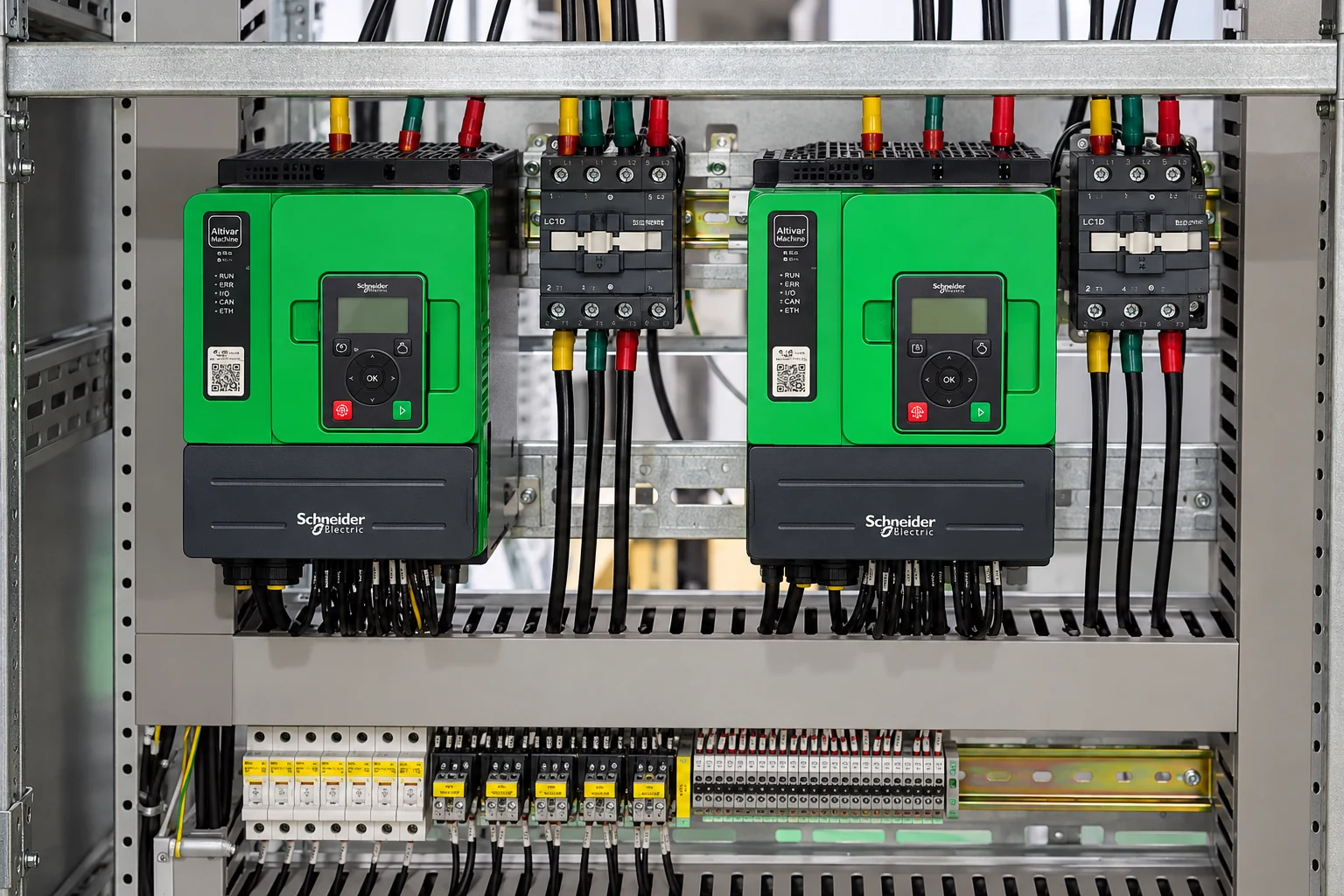
Standards

Motor Control Centres (MCC)
Project specification
Technical references: IEC 61439-1 / IEC 61439-2. Confirm the applicable part and edition against the intended use and the proposed assembly documents. Installation reference: MS IEC 60364.
Rating schedule
Confirm model ratings and installation limits from manufacturer documents.
Verification documents
Request verification and inspection records for the exact configuration.
Supply scope
Specify equipment, components, engineering, software and documents separately; the quotation confirms included items.
Request equipment documents

06 Manufacturing & Projects

Manufacturing & Projects

Manufacturing & Projects
01Manufacturing & Projects
Assembly & wiring
02Assembly & wiring
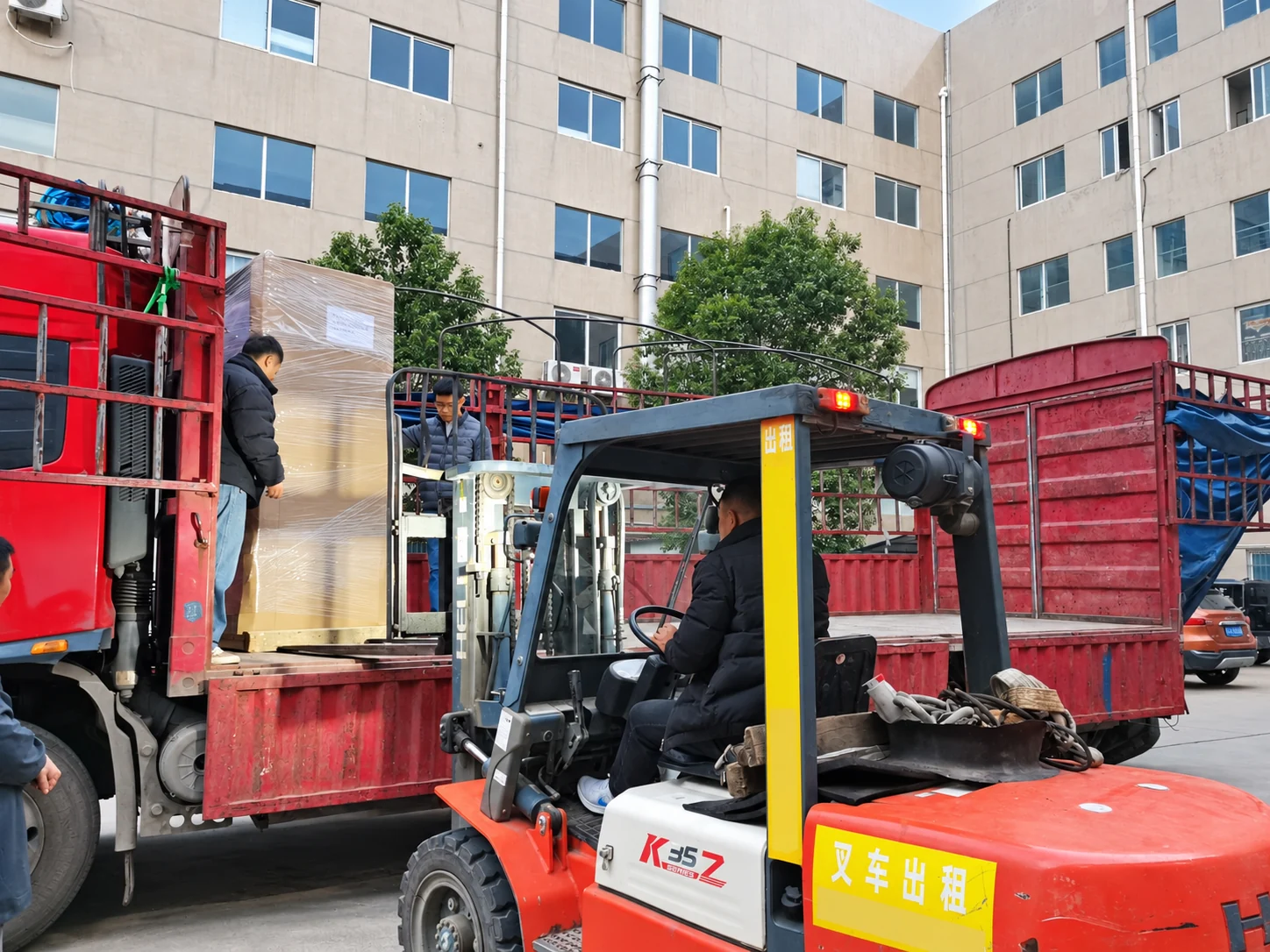
Packing & dispatch
03Packing & dispatch

Project Documents

Project Documents

Motor Control Centres (MCC)

Documents you can send

Send existing drawings or lists. You can start an inquiry without a complete document package.

  • Motor list
  • Control sequence
  • Wiring diagram
  • Power and control wiring drawings
Share project requirements

Documents to request

Ask for the following documents for the selected equipment. Document availability and delivery stage are agreed with the quotation.

  • Supply scope and component schedule
  • General arrangement and wiring diagrams
  • Model datasheets and verification records
Request equipment documents

07 Decision support

Frequently asked questions

Motor Control Centres (MCC)
What information is needed for a quotation?

Send the following project information: Motor quantities, power, current and duty cycle. Supply arrangement and motor feeder connections.

How does an MCC differ from a PLC control panel?

An MCC handles motor power, starting and protection. A PLC panel processes signals and executes control logic; interfaces between them must be specified.

How should I choose a starting method?

Provide the motor data, driven load, operating cycle and supply constraints. Confirm whether direct starting, reduced-current starting or speed control is required.

Let’s discuss your project

Request a quote

Send the following project information: Motor quantities, power, current and duty cycle. Supply arrangement and motor feeder connections. Operating modes, interlocks, trips and status signals.

Alternative contact

WhatsApp

Selected configuration

Choose the arrangement below and add the details you have.

Edit configuration

Files are not uploaded here. Attach the selected file in WhatsApp or your email application.

Send by email

Fields marked * are required for email only. Review the draft, add attachments and send it in your email app. WhatsApp needs no form fields.

We use the details you submit to respond to this enquiry. Privacy.